Free for 14 days. No card needed. Classes are never cut off. If you run low on class time you can top up.
Prices are in US dollars. A student counts when they are enrolled in a course or batch that is running.
More than 100 students?
We will set up a plan that fits your academy.
Questions academies ask
Who holds the money my students pay?
You do. Students pay into your own Stripe or Razorpay account, which you connect in Settings. Tiwaar never holds or routes student fees. Your Tiwaar subscription itself is billed separately, in dollars through Stripe or in rupees through Razorpay by Rishis Foundation, Tiwaar's India partner.
What happens after the free trial?
The trial lasts 14 days with no card and includes 500 live minutes in the Tiwaar classroom. If you have not picked a plan by the end, the academy is paused: no new enrolments and no live classes, but nothing is deleted. Choose a plan later and it opens again.
Can I keep using my own Zoom or Google Meet?
Yes. The "own Zoom or Meet" plans are for exactly that. You paste the meeting link into the batch and students get a Join button at class time. You can switch to the Tiwaar classroom later without rebuilding anything.
Can I charge per class or per hour?
Yes. Set a course to "Pay per class", enter your price for one class (or one hour) and choose the packs students can buy, for example 1, 4 or 8. Students pay for a pack up front, and one class is used each time they are marked present. They see how many are left and can buy more in a tap; the student (and their parent, if you have one on file) gets an email when they are down to their last one. A student who runs out can still join class; you see that payment is due. Monthly, yearly and one-time fees still work for your other courses.
Is there a student journey with chapters, practice materials and quizzes?
Yes. Split each course into chapters and topics (Tiwaar can draft them for you), add practice videos, music sheets, backing tracks and links to each chapter, and a short quiz. Students see where they are, what they have watched and their quiz scores, and can send a progress report to a parent.
What is Music Studio?
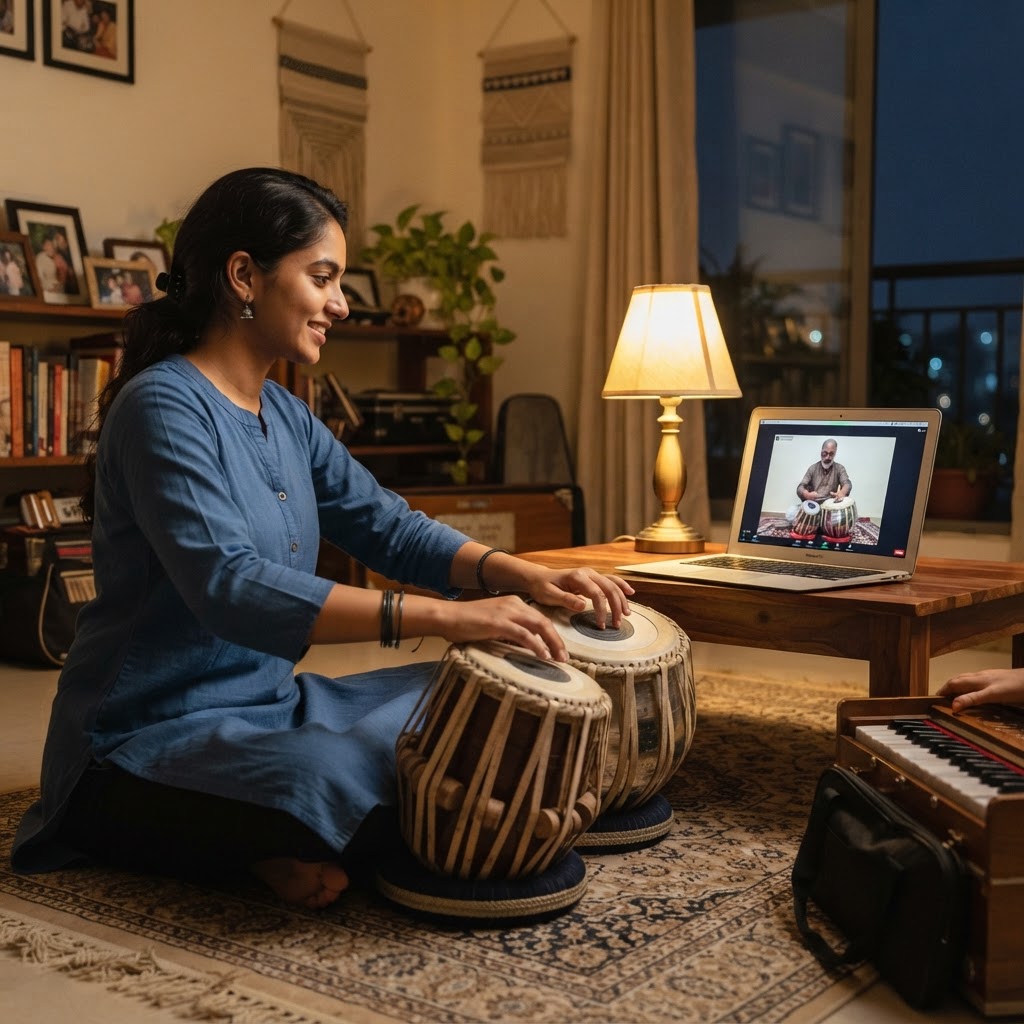
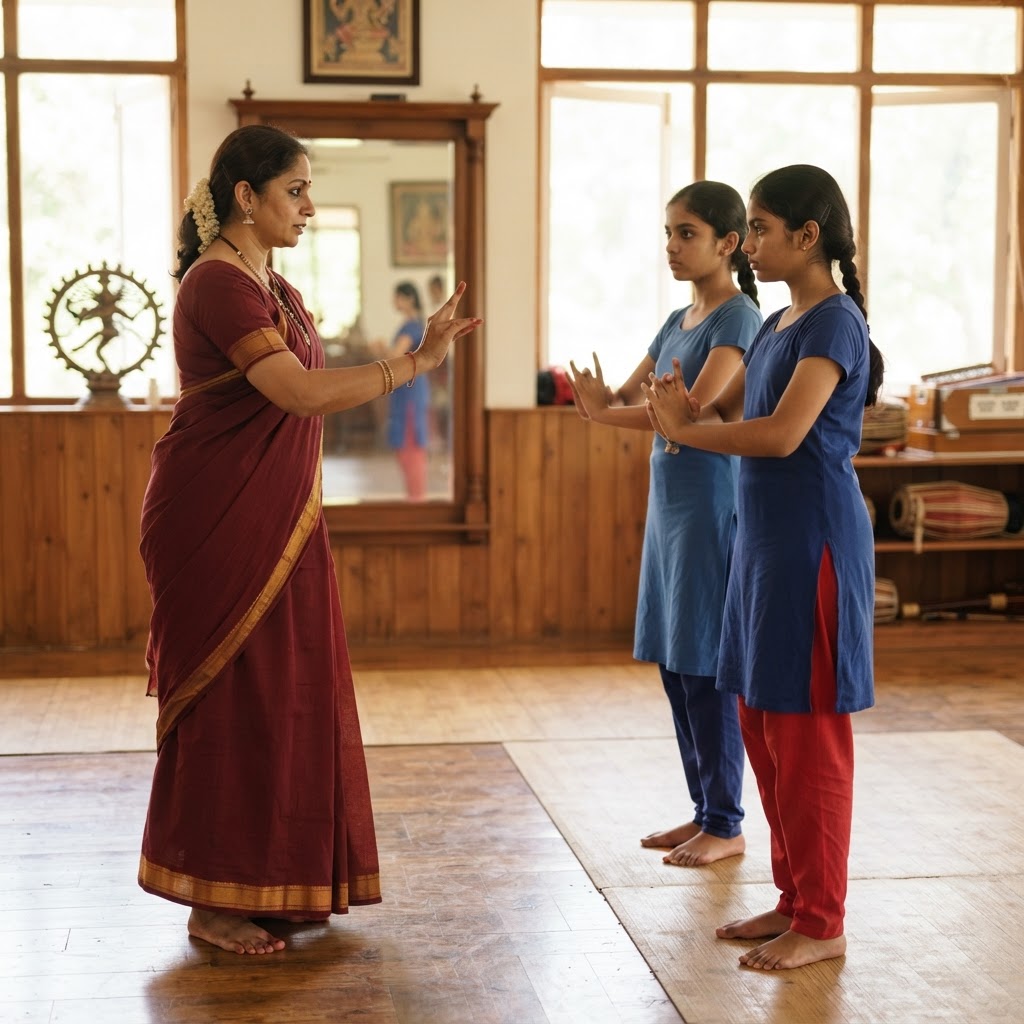
A one-click setup for music academies. Pick it when you create your academy (or later in Settings) and your academy is set up for how music is taught: ready-made journeys from the Tiwaar library for sitar, tabla, Hindustani and Carnatic vocal, keyboard, guitar, violin, flute, Western vocals and drums, from Foundation to Advanced, each with chapters and quizzes you can edit. Add practice sheets and backing tracks to each chapter, collect private class ratings, charge per class, and teach with music sound in the Tiwaar classroom. There are packs for tuition, dance, yoga and language academies too.
Do students need an account?
To browse your website and courses, no. To enrol, pay, join classes, watch recordings or hand in homework, yes: they log in or create an account at that point. Parents can be invited with a view-only role.
What does a live minute mean?
One person in the Tiwaar classroom for one minute. A 60-minute class with 8 students and one teacher uses 8 + 1 = 9 people × 60 minutes = 540 live minutes. A class in progress is never cut off; if you run low you can buy a top-up pack.
How long are recordings kept?
As long as you want. Every class recording is yours to keep forever with one click, and course videos you upload never expire. Recordings you do not pin are removed after 3 months, so your storage stays free for new classes — you are reminded before that happens. The only real limit is your storage space, and you can add more at any time.
Can I cancel?
Yes, from Settings at any time. Monthly plans stop at the end of the month you have paid for. Yearly plans are 15% cheaper and paid up front; if you cancel mid-year you keep access until the year ends, with no refund for the remaining months.